
How to check NECO results with your phone
Key Takeaways30-sec read
- n n The National Examinations Council (NECO) has released the results of the 2026 Senior School Certificate Examination (SSCE) Internal.
- n According to the council, 84.70 per cent of candidates obtained at least five credits, irrespective of their performance in English Language and Mathematics.
- n As a candidate, you can check your results online by following these steps: n Step 1: Visit the official NECO result portal at results.neco.gov.ng.
The National Examinations Council (NECO) has released the results of the 2026 Senior School Certificate Examination (SSCE) Internal.
nAccording to the council, 84.70 per cent of candidates obtained at least five credits, irrespective of their performance in English Language and Mathematics.
nAs a candidate, you can check your results online by following these steps:
nStep 1: Visit the official NECO result portal at results.neco.gov.ng.
nStep 2: Select 2026 as the examination year.
nStep 3: Select SSCE Internal as the examination type.
nStep 4: Enter your NECO result checking token. Candidates without a token can purchase one through the official portal.
nStep 5: Enter your NECO registration number correctly.
nStep 6: Click “Check Result” to view your result.
nCandidates are advised to carefully check their registration number and token before submitting their details.
nThose who encounter problems should confirm that they selected the correct examination year and type and have a stable internet connection.
n nReader Reactions12 votes
What is your take on this story? Tap an emoji to react.
Related Stories
 General News
TIPS ON SAFE PURCHASING OF LAND IN NIGERIA (A must-read for all potential landlords and the general public)
Acquiring land for oneself could be a thing of great joy and happiness, but where not done with due diligence and care, it becomes a thorn in the fles
 General News
CELEBRATING TWO YEARS OF TRANSFORMATIONAL LEADERSHIP IN THE PRESIDENTIAL AMNESTY PROGRAMME
Tomorrow, 14TH March 2026, as we look forward to the second anniversary, we reflect on the remarkable two years since the Administrator of the Preside
 General News
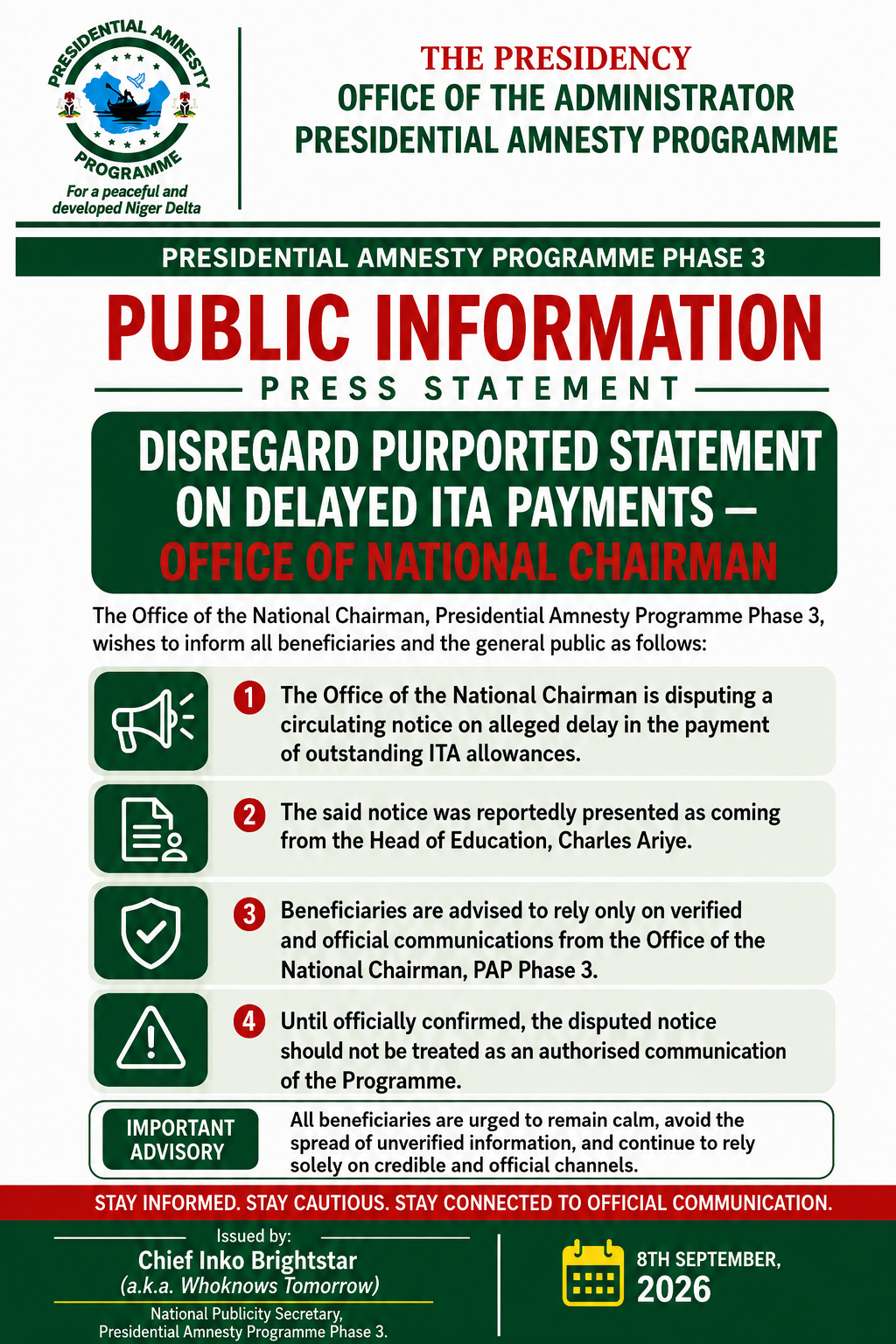
PRESIDENTIAL AMNESTY PROGRAMME PHASE 3: DISREGARD PURPORTED STATEMENT ON DELAYED ITA PAYMENTS — OFFICE OF NATIONAL CHAIRMAN
The Office of the National Chairman of the Presidential Amnesty Programme Phase 3, General Elaye ThankGod Dollar Slaboh, has called on beneficiaries a